Insights
The Technology Behind AI School Safety Software

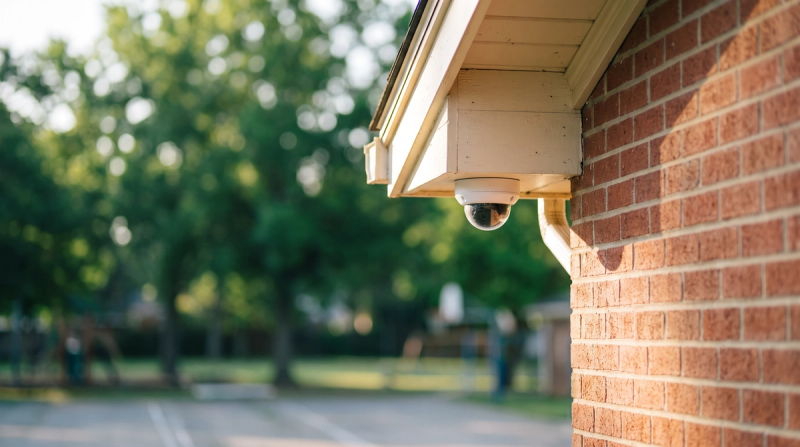
Staff can't watch every camera at once. AI safety software works in the background on the cameras a school has, and passes on a moment when one shows up.
Notice, notify, the right people
VOLT is built to notice moments: a fall, a possible fight, someone where they shouldn't be. Existing IP cameras can connect over RTSP. VOLT looks at the video for moments that match what your school has asked it to watch for. When a moment matches, VOLT passes it on. Noticing is the job of the software; deciding what it means is a job for people.
VOLT detects possible handguns, long guns, and knives visible to the camera.
How a moment is reviewed
A VOLT reviewer checks a moment by default before staff are notified. VOLT sends the notification to the people on your plan. The alert names what was seen and where; the email and the VOLT app show the camera view. For AI detections the title says "possible", for example "Possible fight" or "Possible person after hours".
Look-alikes
Cameras can see things that look like something else for a moment: a theater prop during rehearsal, a costume piece on spirit day, a toy on the playground. A look-alike can be set aside.
Your plan, your rules
Your school decides which moments matter and who hears about each one. A possible fight at lunch might go to the assistant principal and the campus supervisor on duty. An after-hours roof notice might go to the facilities lead and the overnight custodian. Your plan is not fixed after launch.
Privacy
VOLT does not use facial recognition. VOLT does not put a name on anyone.
What happens next
VOLT surfaces a moment; your people decide what happens next. To see how that would look at your school, book a demo with VOLT.