Insights
AI Threat Detection for Schools: From a Possible Gun to Ordinary School Days


What buyers ask first: guns and knives
VOLT detects possible handguns, long guns, and knives visible to the camera. A possible gun or knife is the moment safety teams think about first, so it is where this post starts.
When VOLT notices one, it packages the moment with the camera view and the location for the people on the school's plan, and they decide what happens next.
VOLT keeps visually tracking a person by appearance after they've been identified with a visible weapon, even once the weapon is hidden.
How a moment is checked
Noticing is the job of the software. Deciding what it means is a job for people. A VOLT reviewer checks a moment by default before staff are notified.
Context matters. At Indian Creek School, an alert led staff to a student who needed help. At Aspen Academy, a 3D-printed pocket knife and a Nerf gun raised possible-weapon alerts. Neither involved ill intent, and both became conversations. During testing, VOLT told theater props apart from real concerns, based on context.
Value on ordinary days
VOLT is built to notice moments: a fall, a possible fight, someone where they shouldn't be. Here are example notifications a school's plan can send:
- Possible crowd forming. A group starts to tighten around two students near the cafeteria doors, and the campus supervisor and the assistant principal get a "Possible crowd forming" notification.
- Possible fight. Two students square off near the lockers and a few others drift over to watch. A "Possible fight" notification goes to the assistant principal and the campus supervisor on duty.
- Possible person after hours. On a weekend evening, a person climbs onto the lower roof of the gym. A "Possible person after hours" notification goes to the facilities lead and the custodian on call.
The alert shows the camera view and the location. That is the notification: what was seen, and where.
Your school decides who hears about what
Your plan sets who on your staff gets each notification. For example:
- School day: possible fight and possible crowd forming go to the head of school and the front office.
- After hours: possible person after hours goes to the facilities lead.
- Possible gun or knife: goes to the head of school, the front office and the safety lead at any hour.
The goal is getting the right people to the right place at the right time. VOLT surfaces a moment; your people decide what happens next.
From reactive to ahead of things
Adam Neely, Principal at Prescott High School in Arizona, described safety work before VOLT:
"In all my time as a principal, assistant principal, and even as a teacher I felt like we were constantly chasing our tails. Everything we did with regard to student safety was reactive."
And after:
"This is the first time where I really have been able to be out ahead of things that are happening."
Works with the cameras and tools a school has
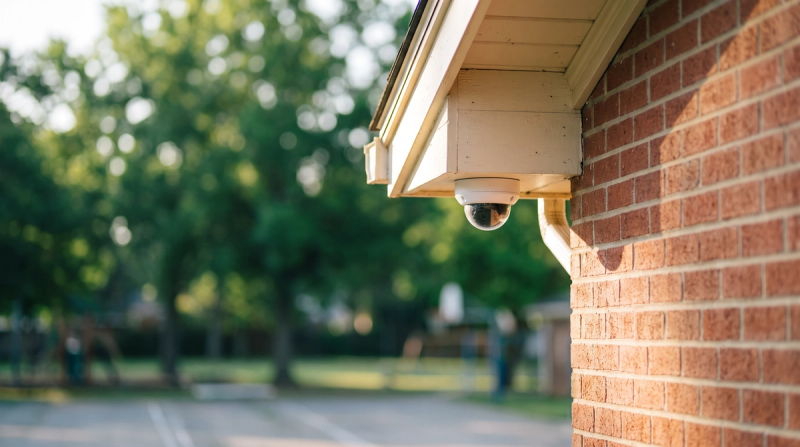
Existing IP cameras can connect over RTSP. VOLT works with CENTEGIX, so moments from VOLT can sit alongside your existing safety tools. Staff sign in with your school's single sign-on through SAML SSO.
Privacy
VOLT does not use facial recognition. VOLT does not put a name on anyone.
Frequently asked questions
Does VOLT use facial recognition?
No. VOLT does not use facial recognition.
Does it work with our cameras?
Existing IP cameras can connect over RTSP.
What does a notification look like?
It has a short title. The alert shows the camera view and the location. For AI detections the title says "possible", such as "Possible fight".
See VOLT at your school
Curious how this would look on your campus? Book a demo with our team.