A fall
Staff know where to go.
How VOLT works
Works with the cameras you already have. By default, a VOLT reviewer checks it before your team is notified.
 1Noticed on camera
2Checked by a VOLT reviewer
3Where to go
1Noticed on camera
2Checked by a VOLT reviewer
3Where to go
Student fell
Hallway B · Floor 2 · Nurse on the wayThe four steps
One path, so your team knows what happens next.
VOLT looks for a defined set of moments on the cameras you connect.
Falls, fights, after-hours access and visible weapons. Never who someone is.
200+ camera brands via RTSP, with no new hardware on your walls.

Person down
Hallway A · Floor 1 · 10:14:22 AMBy default, a VOLT reviewer checks it before your team is notified.
Reviewed by a person by default.
Your team responds to what matters, not every movement on a screen.

Person down
Hallway A · Floor 1 · Confirmed by reviewerVerified alerts reach the staff you choose, on their phones, following the escalation plan you set.
Choose who hears first, who hears next, and when.
Alerts reach staff wherever they are on campus.
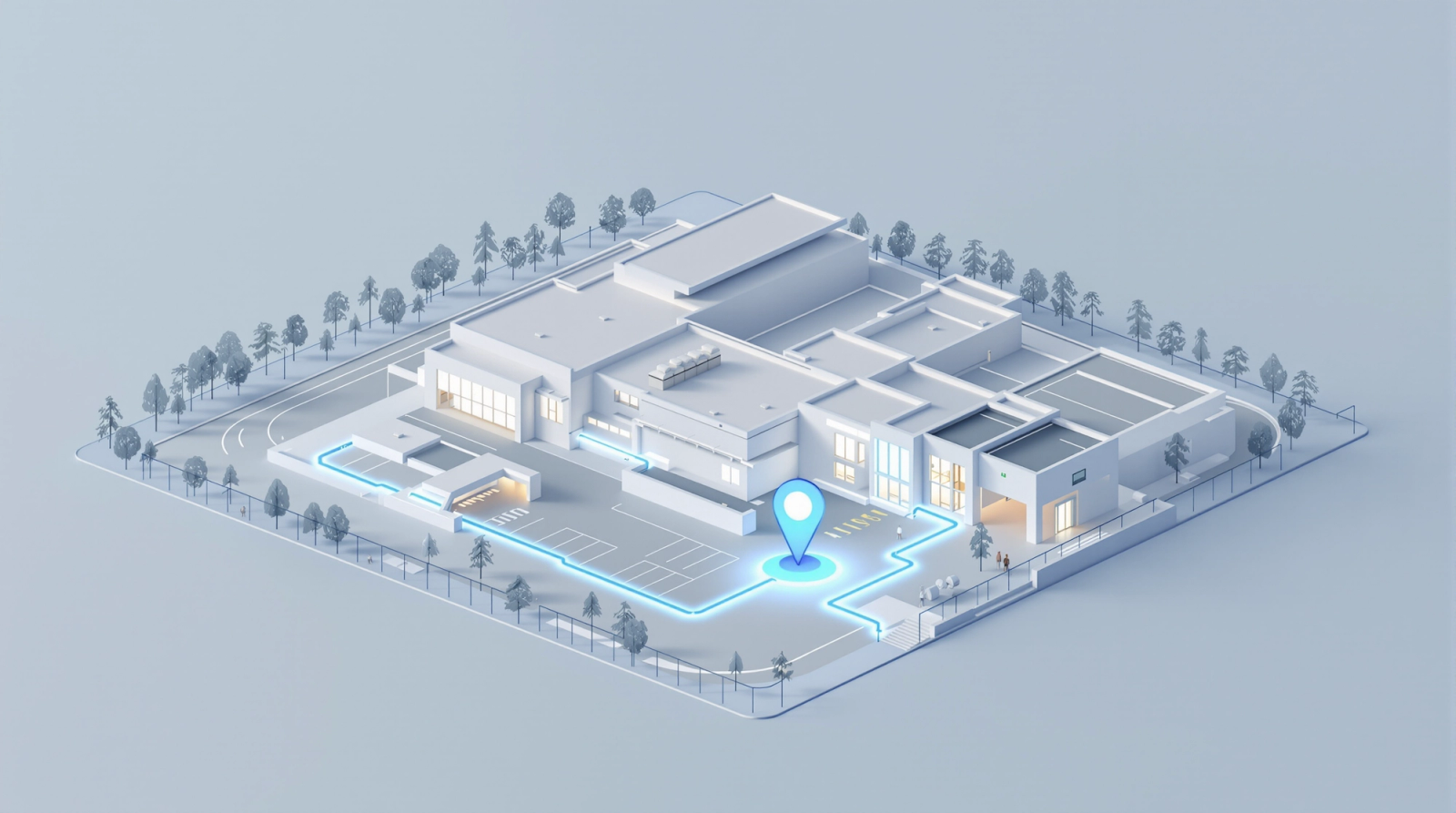
A live 3D map shows exactly where help is needed, so less time is spent searching.
See the location floor by floor, and share it with responders.
If a reviewer verifies a threat, VOLT follows its movement across cameras and updates the map for responders. It never identifies who anyone is.
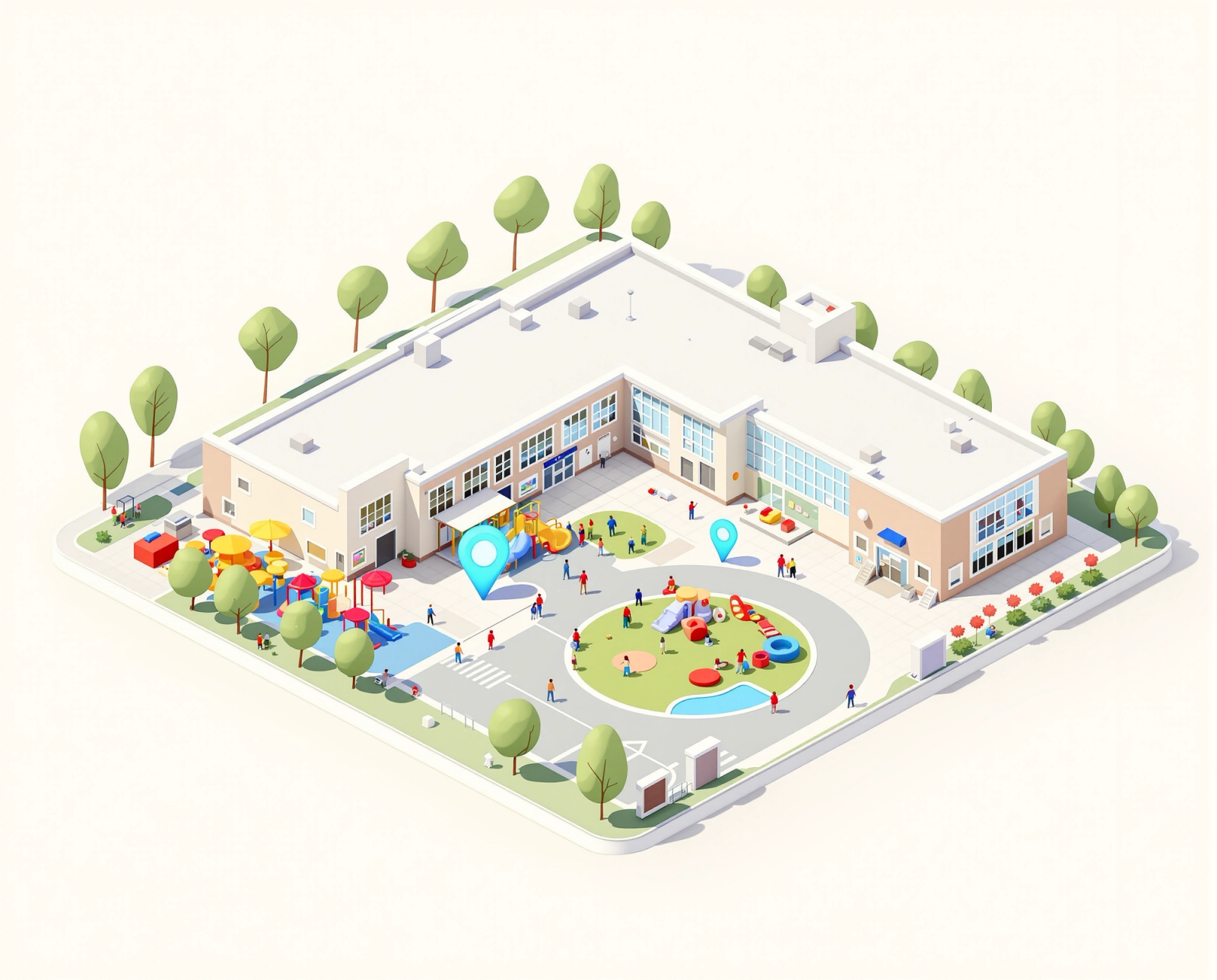
Student fell
Hallway B · Floor 2 · Nurse on the wayWhat VOLT notices
VOLT looks for a defined set of situations, so alerts stay meaningful and your community knows exactly what the system does.
Staff know where to go.
Staff can step in early.
Flagged so staff can check.
VOLT detects handguns, long guns, and knives that are visible to the camera.
The alert, up close
What is happening, where, and that a VOLT reviewer checked it.

Student fell
Hallway B · Floor 2 · 8:42 AMWorks with what you have
VOLT connects to the cameras and video systems you already run, and works alongside the CENTEGIX Safety Platform for coordinated response.
Choose the deployment that fits your network and IT policies.
SAML single sign-on so staff use the accounts they already have.
Everyday footage is kept for a few hours by default. Keep incident footage longer, up to 10 years, if you choose.
Getting started
Our team handles the setup with you, from camera check to your first verified alert.
Share your camera setup and we’ll confirm compatibility at no cost.
We build your 3D campus map and set alert rules and escalation plans with your team.
Start receiving verified alerts. Robinson ISD went to a live system in less than two weeks.
Questions
Usually not. VOLT is built to run on the cameras you already have, including 200+ brands that support RTSP, and integrates with video systems like Genetec.
By default, a VOLT reviewer checks it before your team is notified.
Meet the people behind VOLTVOLT doesn’t use facial recognition or identify anyone by name or face. It looks for moments, not people, and your staff decide what happens next.
How VOLT protects privacyOur team handles the setup with you, from camera check to your first verified alert. Robinson ISD went to a live system in less than two weeks.
Verified alerts reach the staff you choose, on their phones, following the escalation plan you set. A live 3D map shows where to go.
A free compatibility check with your existing cameras, and a walkthrough of how alerts reach your team. Most schools are live in weeks, not months.
Works with your cameras · No facial recognition · Reviewed by a person by default