School Security Systems: A Practical Guide for K-12 Leaders
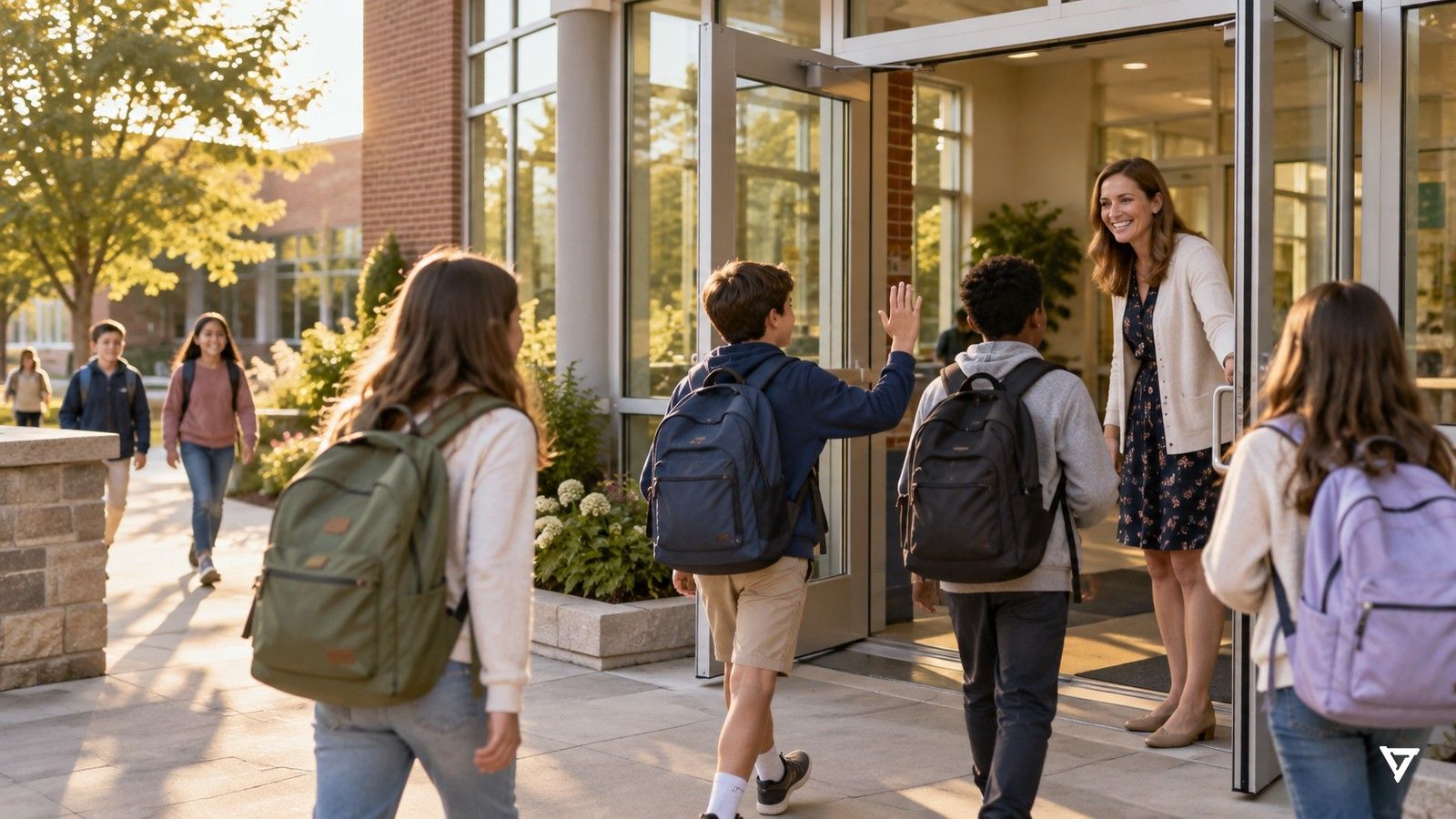
A school security system is not one product. It is the set of doors, cameras, communication tools, people and plans that help a school notice what is happening and respond well. This guide explains each layer in plain language, shows where AI-assisted cameras fit, and gives you a vendor-neutral checklist for evaluating options. It is written for principals, district safety leads and the people who sign off on budgets.
If you are just starting, pair this guide with the free K-12 school security self-assessment. It walks you through scoring where your school is today. For a quick score by area, take the 2-minute readiness assessment.
What a school security system does on an ordinary day
Most of what a security system handles is not a crisis. It is the steady rhythm of a school day:
- Arrival and dismissal. Hundreds of people move through a few doors in a short window. Staff need to know which doors are open, who is supposed to be there, and where crowding builds up near the bus loop.
- Hallways and shared spaces. A student slips on a stairwell. Two students start pushing near the lockers. A visitor wanders past the front office.
- After hours. Evening games, club meetings and custodial shifts mean the building is partly open long after the last bell. A door propped for a delivery can stay open for hours.
- Rare, serious moments. Lockdowns, weapons and outside threats are uncommon, but the system has to support the school's plan when they happen.
A good system makes the ordinary days calmer and gives staff a clear picture on the rare bad day. If a proposed system only talks about the worst case, it is probably not built for how your school actually runs.
The layers of a school security system
The federal Cybersecurity and Infrastructure Security Agency recommends a systems-based, layered approach in its >K-12 School Security Guide (3rd edition). It groups physical security around helping a school detect, delay and respond, across layers that run from the district and grounds to the building edge and the classroom. In practice, most school systems include:
- Access control. Locks, buzzer and intercom entry, visitor check-in, badges or key cards for staff, and clear rules about which doors open when.
- Cameras. Interior and exterior cameras that record, and increasingly cameras paired with software that helps staff notice moments as they happen.
- Communication. Radios, PA systems, staff phones, mass-notification tools and panic or alert buttons for classrooms.
- People. Front-office staff, administrators, custodians, school resource officers or campus security, and the district safety team.
- Plans and practice. Emergency operations plans, reunification plans, exercises and after-action reviews. The federal >SchoolSafety.gov clearinghouse collects free planning templates and guidance.
No single layer does the job alone. Locks without people to check visitors leave gaps, and cameras without anyone looking at them mostly produce footage for later.
Why cameras alone are not enough
Most schools already have cameras. The hard part is attention. A front-office team cannot watch a wall of video feeds while answering phones, greeting families and handling a sick student. So in many schools the cameras work as a record: useful for reviewing an incident afterward, but rarely part of what happens in the moment.
That gap is where AI-assisted cameras are most useful. Instead of asking a person to stare at screens, the software watches for specific situations and brings the right ones to a person's attention, with a location. The goal is not more alerts. It is fewer, clearer ones that staff can act on.
Common gaps in school security systems
When school teams walk their own campus with fresh eyes, the same gaps come up again and again:
- Side and rear doors. The main entrance is well controlled, but a gym or cafeteria door is routinely propped open for deliveries or recess.
- Blind stretches. Stairwells, back hallways and the area behind the gym often have cameras that nobody looks at until something has already happened.
- After-hours use. Evening events open part of the building while the rest is supposed to stay closed, and there is no clear way to know when someone wanders into the wrong wing.
- Unclear ownership. Alerts and radios exist, but it is not written down who responds to what, especially when the principal is off campus.
- Plans that live on a shelf. The emergency plan exists, but new staff have never walked through it.
Fixing these is usually about process and attention more than new hardware.
Where AI fits: noticing everyday moments
When people hear "AI security," they often picture weapons. In a school, the more common value is everyday:
- A student who has fallen in a stairwell or bathroom hallway with no adult nearby.
- A scuffle that is about to become a fight.
- Someone in a building or wing after hours.
- People gathering where they usually don't.
These moments happen every week. Each one is small on its own, and each is easy to miss. Helping staff see them early is what makes a school feel looked after, not fortified.
Knowing where to go: locations and floor plans
An alert is only useful if staff can act on it. "Something happened near camera 14" forces someone to remember where camera 14 is. Systems that place alerts on a floor plan, and keep that location current as people move, let staff go straight to the right hallway, stairwell or exit. When you evaluate a system, ask to see how an alert looks on a phone and how quickly a new staff member can understand it.
Rare, serious moments: planning for weapons without leading with fear
Weapons on campus are rare, and most schools will never encounter an armed intruder. The >Report on Indicators of School Crime and Safety from the National Center for Education Statistics and the Bureau of Justice Statistics is the best national source for how often different incidents occur. Use it, not marketing claims, to frame risk for your board. A good school security system supports your lockdown and response plan when something serious happens: who is told, what they see, and how the school's own team and SRO get a clear location. It should do this without turning the daily experience of school into a checkpoint.
How VOLT approaches school security
VOLT is one example of AI-assisted cameras built for schools. Here is how it works, in the order that matters most days:
VOLT is built to notice moments: a fall, a fight, someone where they shouldn't be. Most days, that means ordinary moments a busy staff can't watch for everywhere at once.
VOLT tracks a person by visual appearance across the camera footprint and shows that track on a 3D floor plan, so first responders reach where the situation is unfolding now, not where it started.
Weapons are rare, but they are part of the picture. VOLT detects handguns, long guns, and knives that are visible to the camera.
VOLT is built to run on the cameras you already have. Some older analog cameras may need an upgrade.
When VOLT flags a moment, a person looks at it first. By default, a VOLT reviewer checks it before your team is notified.
No facial recognition. VOLT looks for situations, not identities, and the school or campus decides which cameras are connected and who receives alerts. Learn more on the Privacy & Trust page.
See VOLT for K-12 for school examples, or check that it works with the cameras you already have.
Privacy and family trust
Families and staff will ask what the cameras are for. Clear answers build trust:
- Behaviors, not identities. Prefer systems that look for situations, like a fall or a fight, rather than trying to identify who someone is.
- Shared spaces only. Cameras belong in hallways, entrances, grounds and common areas. They never belong in restrooms or locker rooms.
- Retention you set. Decide how long everyday footage is kept and how long incident footage is kept, and write it down.
- Access you control. Limit who can view alerts and footage, and log that access.
- Student records rules. Understand how video can become part of an education record. The U.S. Department of Education's >Student Privacy Policy Office publishes FERPA guidance and FAQs.
Share a one-page explainer with families before you go live, and invite questions at a board meeting.
How to evaluate a school security system: a vendor-neutral checklist
Use these questions with any vendor:
- Everyday value. Which moments does it help staff notice on a normal school day, not just in a crisis?
- Existing infrastructure. Does it work with the cameras and network you already have? What would need replacing?
- People in the loop. Does a person review alerts before staff are notified? Who is that person, and can you change the default?
- Clarity. What does an alert look like on a phone? Does it show a location on a map?
- Escalation. Can you set who gets which alert, by building, time of day and alert type?
- Privacy. Does it use facial recognition? What is stored, for how long, and who can see it?
- Security of the system itself. How is video encrypted? How does sign-on work? Is there independent security testing you can review?
- Cost. Is pricing published? What is the total over three to five years, including hardware, licenses and support?
- References. Can you talk to a school like yours that has used it for a full year?
Planning, funding and rollout
Most successful rollouts follow a simple sequence:
- Assess. Walk the campus with your safety team and score your current layers. CISA's guide includes a companion School Security Assessment Tool, and VOLT's self-assessment is a shorter starting point.
- Prioritize. Pick the two or three areas that matter most, often entrances, stairwells and after-hours wings.
- Pilot. Start with a building or a set of cameras, set escalation rules, and gather staff feedback after a few weeks.
- Communicate. Brief staff, families and the board on what the system does and doesn't do.
- Expand and review. Add coverage where the pilot showed value, and review policies each year.
For budgets, many schools combine local funds with state school-safety programs and federal grants. See VOLT's guide to funding and grants and the School Safety Grant Finder for what each program funds and its next deadline, and compare costs using published pricing wherever a vendor offers it.
FAQ
What is a school security system?
It is the combination of access control, cameras, communication tools, people and plans that helps a school notice what is happening and respond. It is a system of layers, not a single device.
Do we need new cameras to add AI?
Often not. Many AI camera platforms work with existing IP cameras. Older analog cameras may need an upgrade, so ask for a camera audit before you buy.
Will AI replace our staff?
No. AI helps staff notice moments they would otherwise miss. People still decide what happens next, following your school's plan.
How do we explain this to families?
Lead with everyday safety, like a student who falls in an empty hallway, and be specific about privacy: what is recorded, for how long, and what the system never does.
Where can we find free planning resources?
Start with >SchoolSafety.gov and CISA's >K-12 School Security Guide.
Sources
- CISA, >K-12 School Security Guide, 3rd Edition, and School Security Assessment Tool (2022).
- NCES and BJS, >Report on Indicators of School Crime and Safety (July 2024 release).
- >SchoolSafety.gov, federal school safety clearinghouse.
- U.S. Department of Education, >Student Privacy Policy Office (FERPA guidance).
See VOLT on your own cameras.
A short call, your sites, and a clear view of what VOLT would notice.
No commitment · Runs on the cameras you already have